Icecast vs Shoutcast
Icecast vs Shoutcast: which streaming server fits your station?
In the Icecast vs Shoutcast decision, neither is universally better. Icecast is open-source GPL software organized around mountpoints, while SHOUTcast DNAS is a server with its own source-client and directory ecosystem. Choose based on the encoder, players, and directory workflow your station needs.
- Stations launched
- 155+Stations launched
- Uptime target
- 99.99%Uptime target
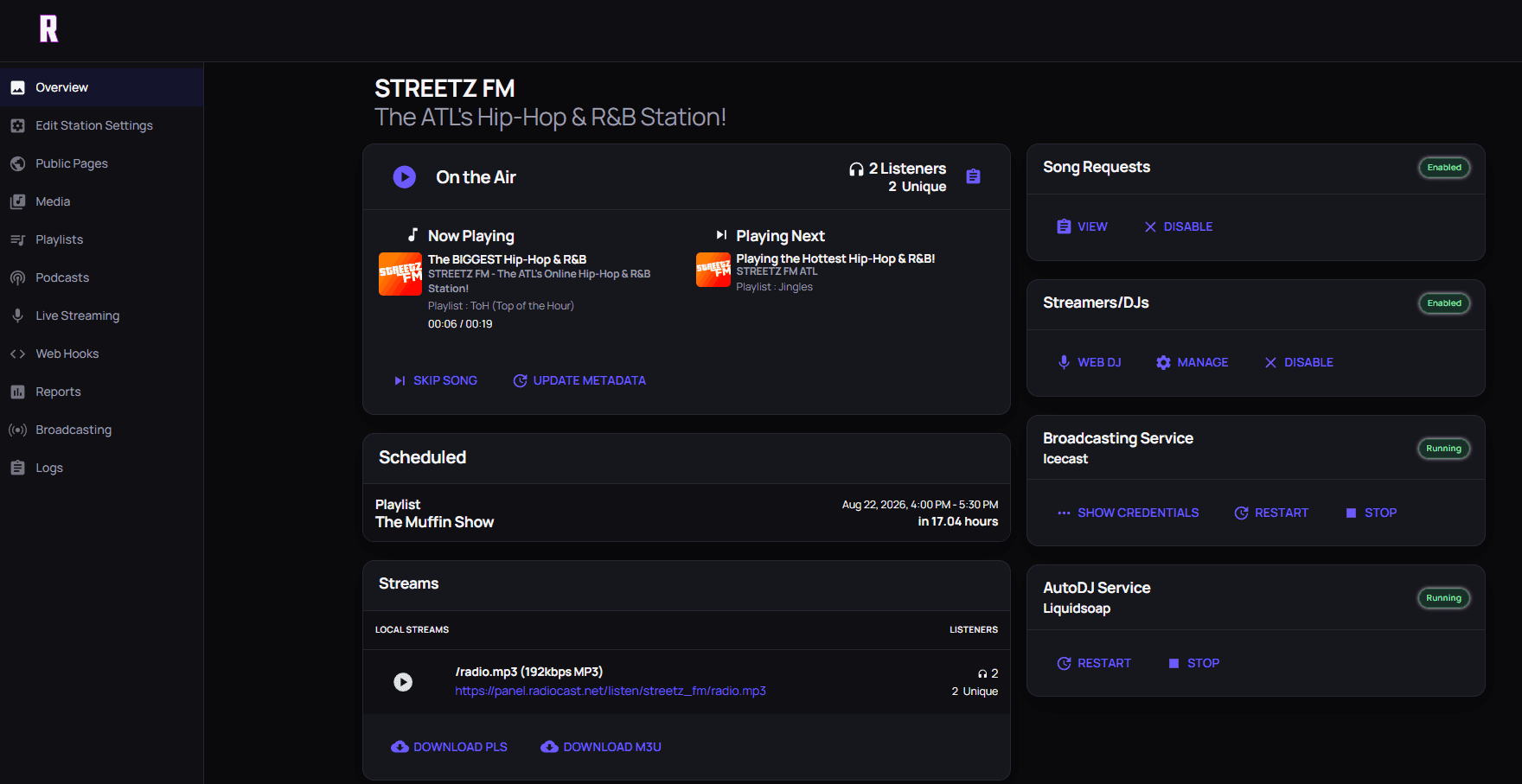
STREETZ FM, live on Radiocast.
Powering independent stations worldwide
STREETZ FM
 Moinesti FM
 Shockwaves Radio
 Mix97FMCase Study
Illusion Radio
 Open Air Broadcasters
 Coastal Radio
 Montburgh Radio
 IZA7A Magazine
 Blackbird Radio
 UNU
UNU
Beyond the protocol
The listener hears the station, not the server name.
Use the Radiocast control room to manage a complete broadcast workflow. Check your encoder, player, mount, and migration requirements before moving a live stream.
- AAC and MP3 delivery
- Multiple mounts
- AutoDJ and live programming
What Icecast and Shoutcast have in common
Both are streaming servers in a station delivery path: a source program sends audio to the server, and listener apps connect to the station stream. Each can support a working radio setup, but compatibility depends on the server version, source client, player, and hosting configuration, not just the name shown in a control panel.
AutoDJ, playlist scheduling, and live DJ handoffs usually belong to the automation or station-management layer around the streaming server. Compare those separately. A server choice alone does not tell you whether a host includes music storage, scheduling, listener analytics, or support.
Icecast: open source and mountpoints
Icecast is open-source software distributed under the GPL v2. Its documentation describes source clients publishing to mountpoints, with listeners connecting to those stream paths. One server can carry multiple mountpoints, for example a full-quality music stream and a lower-bitrate mobile stream from the same station.
That makes mountpoint and source-client configuration central to any Icecast setup or migration. If your encoder supports Icecast, connecting usually means entering a server address, port, mountpoint, and password supplied by your host or server administrator.
Shoutcast: DNAS and the directory
SHOUTcast DNAS is a streaming server product with its own SHOUTcast source-client workflows, including legacy compatibility described in SHOUTcast documentation. SHOUTcast Basic self-hosted server software is listed as free, with terms and features depending on the current offer.
A distinctive part of the Shoutcast ecosystem is the SHOUTcast directory: DNAS can update it with station and now-playing information. Check the current DNAS version and your exact encoder mode before assuming an older configuration will work unchanged.
Shoutcast vs Icecast: which should you choose?
Investigate Icecast first when you want open-source software, a mountpoint-based workflow, or several streams from one server. Investigate Shoutcast first when you already have a working SHOUTcast source setup or when listing in the SHOUTcast directory is important to your station.
For a new station, the bigger decision is usually managed versus self-hosted, not Shoutcast vs Icecast. Listeners mostly hear MP3 or AAC either way, and many common players handle both. Test your source client and listener URLs before changing a live stream, whichever server you pick.
What Radiocast supports
On Radiocast, live sources connect over Icecast. DJs can use encoder software such as BUTT, Mixxx, or Virtual DJ, or go live from the browser with Web DJ. Listener streams are standard MP3/AAC HTTP streams that play in the same browsers, mobile apps, and internet radio players listeners use for Shoutcast and Icecast stations.
Radiocast does not run SHOUTcast DNAS servers and does not list stations in the SHOUTcast directory. If you depend on a specific Shoutcast encoder mode or are migrating from a Shoutcast host, contact support to confirm the setup before moving. The Shoutcast hosting comparison covers that move, and our web radio hosting guide explains plans, AutoDJ, and live DJ handoffs.
Planning a migration between servers
Whichever direction you move, list every source client, mount or stream URL, embedded player, and directory listing that points at the old server. Set up the new stream in parallel, connect a test encoder, and confirm playback on phones, browsers, and smart speakers before switching public links.
If automation is part of the move, rebuild playlists and schedules first. Our AutoDJ hosting guide explains rotations and handoffs, managed AzuraCast hosting shows how a station-management panel sits on top of the streaming server, and the free radio hosting guide covers low-cost options.
Before you decide
Questions to answer before choosing Icecast or Shoutcast
- Which encoders and listener players must remain compatible?
- Which audio formats and bitrates do you need to deliver?
- Do you need one stream or multiple mounts for different audiences?
- Is a SHOUTcast directory listing important to your station?
- Will you self-manage a server or use a managed station platform?
- How will AutoDJ, live DJ handoffs, and public embeds fit together?
- Test source-client connections and listener URLs before changing a live stream
Icecast vs. SHOUTcast DNAS at a glance
| Decision area | Icecast | SHOUTcast DNAS |
|---|---|---|
| Software and licensing | Open-source streaming server distributed under GPL v2. | SHOUTcast Basic self-hosted server software is listed as free; available terms and features depend on the current offer. |
| Stream organization | Source clients publish to mountpoints; listeners request the mountpoint stream URL. A server can host multiple mountpoints. | DNAS serves streams and supports SHOUTcast source-client workflows; confirm the encoder protocol/version for your setup. |
| Directory workflow | Plan directory listing and now-playing metadata for your chosen directory separately from the server decision. | DNAS can update the SHOUTcast directory with station and now-playing information. |
| Best fit to investigate | Open-source deployment and mountpoint-focused configuration. | An existing SHOUTcast encoder setup or SHOUTcast directory integration. |
| On Radiocast | Live sources connect over Icecast; listeners receive standard MP3/AAC streams. | Radiocast does not run DNAS or list stations in the SHOUTcast directory; contact support about Shoutcast encoders. |
Find the plan for your station
Compare published monthly pricing and capacity. Every plan includes the tools to keep your station running.
Professional
$5.99/month
- 10GB music storage
- Up to 100 listeners
- 5 DJ accounts and AutoDJ
Recommended
Small Business
$8.99/month
- 50GB music storage
- Up to 200 listeners
- Unlimited DJs and live HTTP
Radiocast Max
$19.99/month
- 75GB music storage
- Up to 500 listeners
- 500,000 Reporter credits/month
Radiocast Enterprise
Contact us
- Up to 1TB music storage
- Unlimited listeners
- Dedicated managed AzuraCast
Radiocast Reseller
Contact us
- Unlimited stations and listeners
- Fully managed AzuraCast hosting
- White-label support
Prices shown monthly. Enterprise and Reseller options are tailored to your requirements; contact us for details.
Questions broadcasters ask
Full FAQRadiocast hosting
Build the station. We'll help keep it running.
Managed streaming, automation, and a clear path from your first listeners to a larger operation.